
Description
Effortless Postage Label Printing
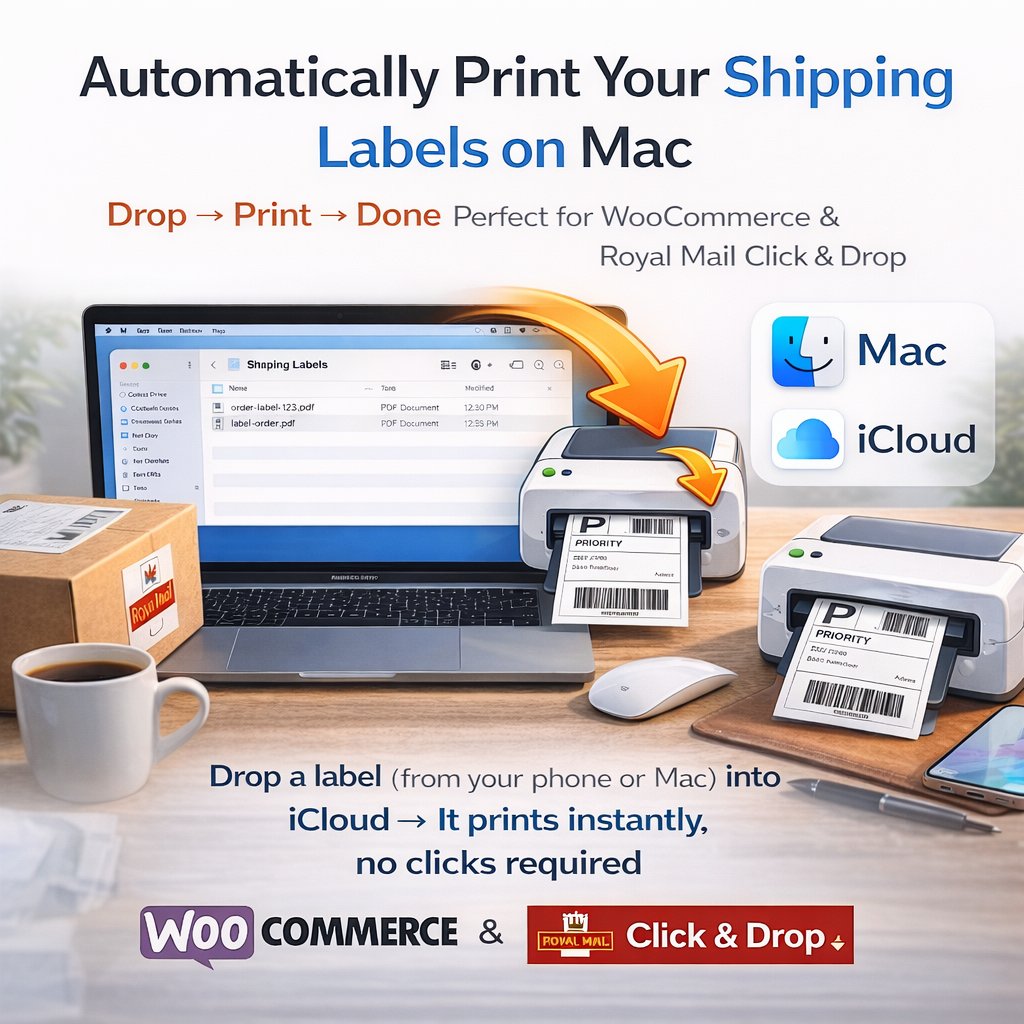
Turn your Mac into an automated shipping assistant with automatic label printing. Simply drop a label PDF into a dedicated iCloud folder – even from your phone – and watch as it prints itself instantly. No more repetitive clicks, no manual printing, just smooth automation.
Perfect for eCommerce Sellers
Streamline your workflow with this time-saving solution. Designed specifically for Royal Mail Click and Drop users and thermal label printers like the Zebra ZSB label printers, this tool ensures every label is printed when you download . Enjoy organised files post-print with zero extra effort.
What is It?
What you receive is a simple Mac app made in script editor, and an Automation – Folder Action. Plus some instructions to get it set up.
I made this myself because I was annoyed with buying postage at work or when out and about and then having to find the file again to print. So this basically takes any postage label files in Downloads folder on our Mac, or in a dedicated iCloud folder and moves them to a print due folder. It is then printed from there automatically and then moved to a folder called “Printed Labels”.
I’ve tried to make it as simple as possible to set up… but please le me know if you need any help. I’ll put a setup video on YouTube soon.
Reviews
There are no reviews yet.